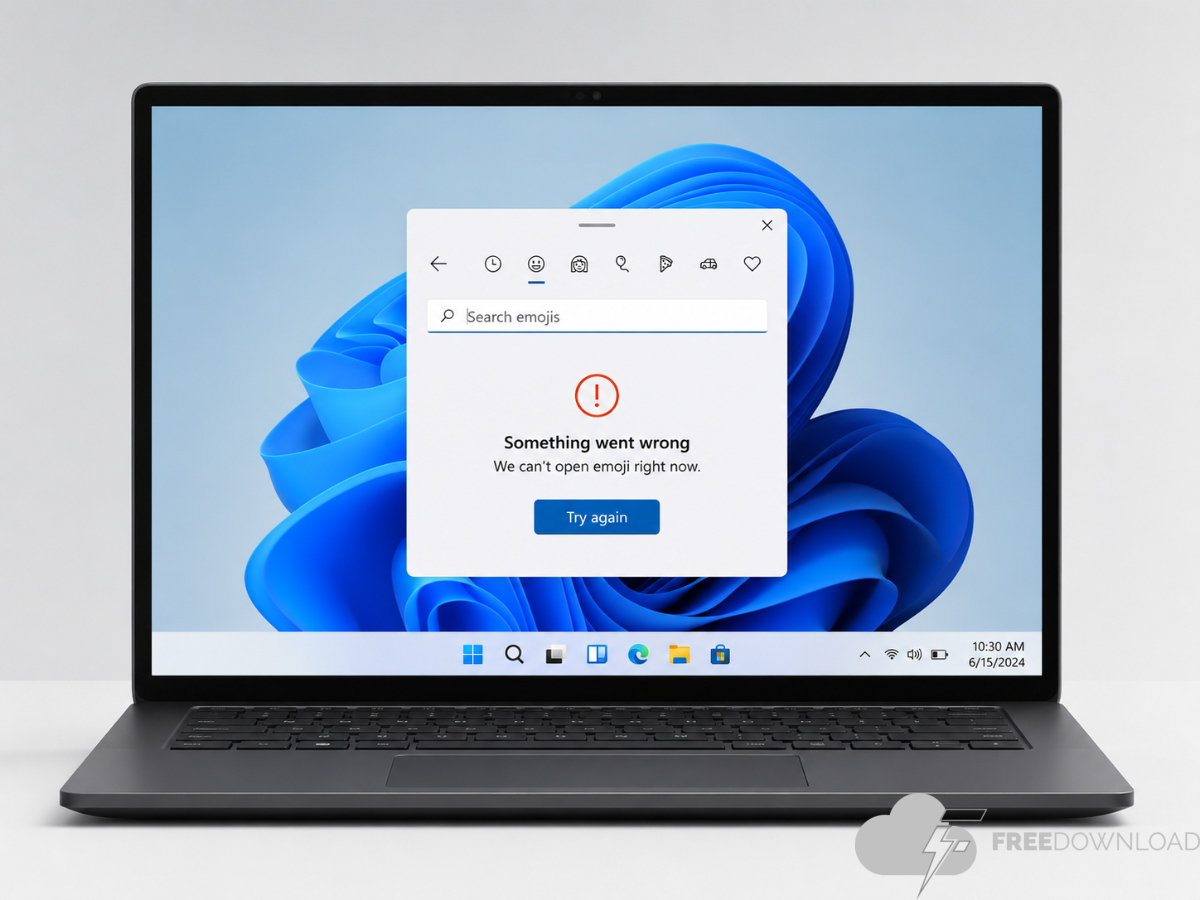
A bug in Windows 11 is causing the search box in the built-in emoji picker to disappear, which means users can’t search for emojis by name. Several users have reported the issue, and Windows Central has confirmed it in the Windows 11 Insider Beta Channel.
Microsoft has not yet acknowledged the bug or provided an official fix. Restarting the PC often solves the problem, but there is also a faster solution that takes about 30 seconds.
How to Restore Missing Emoji Picker Search Box in Windows 11
It seems the issue is related to UI rendering in Windows Explorer. Restarting the Explorer process usually refreshes the affected interface elements and restores search box functionality.
To do this, press Ctrl + Shift + Esc to open Task Manager. Locate Windows Explorer in the list of processes. Right-click on it and select Restart.
The taskbar will disappear briefly and then reload as Windows Explorer restarts. Once it appears again, open the emoji picker with Win+. (period) The search box should display correctly.
How widespread the Windows 11 emoji picker bug appears to be
The bug has been reported by Windows Central authors testing Insider Beta Channel builds. It is still unclear whether the issue is limited to Insider builds or it appears in stable Windows 11 releases as well. The frequency of the bug varies from machine to machine, with some users experiencing it frequently and others not noticing it at all.
Microsoft has not provided a fix or timeline for when a fix might be available. Until a permanent fix is released, the quickest solution is to restart Windows Explorer.